How to Make a Professional Headshot From a Selfie
Three ways to turn a selfie or an everyday photo into a professional headshot: edit it yourself, use an AI headshot generator, or prompt ChatGPT or Gemini. Which photos work.

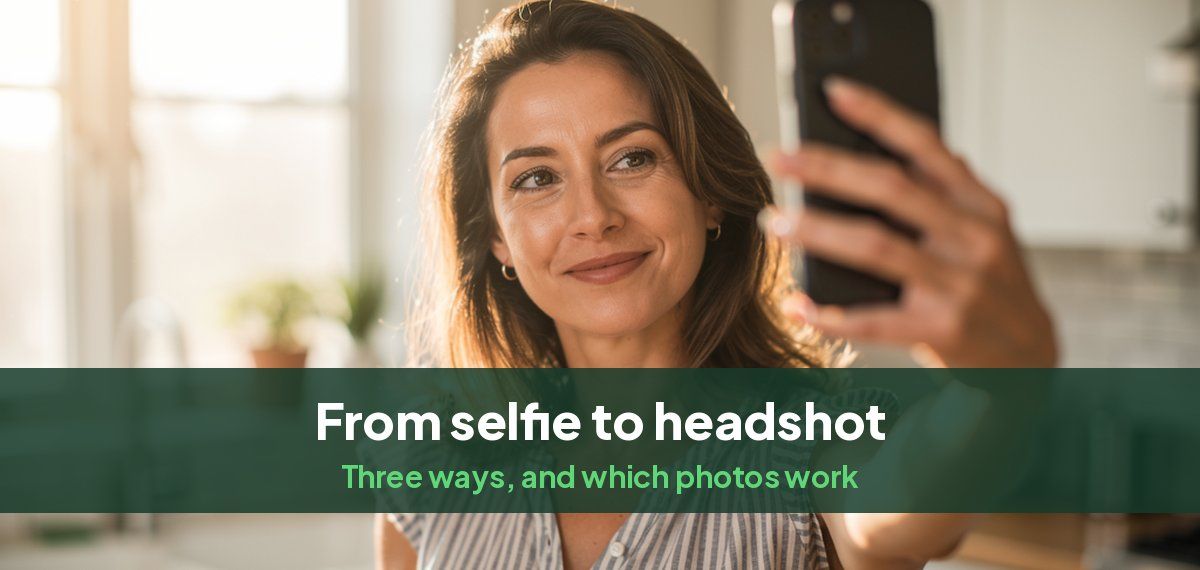
There are three ways to turn a selfie or an everyday photo into a professional headshot: edit the photo yourself, use an AI headshot generator, or ask ChatGPT or Gemini to change it. Editing keeps the photo exactly as it is and only works if it was nearly a headshot already. An AI headshot generator gives the most professional result and still looks like you. A general chatbot is free but changes your face more often.
Whichever you choose, the photo you start from decides most of the result, so that comes first.
Which photos work
- Sharp, with your eyes in focus. Zoom in on your eyes. If they are soft, choose another photo.
- Your face clearly lit, without a hard shadow across it or a bright window behind you.
- Taken from a few feet away, or with the rear camera. A front-camera selfie at arm's length enlarges your nose and forehead.
- Only you. A group photo can work if you are not cut off at the edges, but faces nearby confuse AI tools.
- No sunglasses, hats or heavy filters.
- Recent. Your hair and glasses as they are now.
For an AI headshot generator, give it variety: ten or so photos in different light, outfits and settings, all clearly you.
Option 1: Edit the photo yourself
This works when the photo is already well lit and framed, and only the crop and background are wrong.
- Crop it from the middle of your chest up, with your face filling about two thirds of the height. Our headshot sizes guide gives the crop for each use.
- Straighten it and correct the brightness and warmth in your phone's editor.
- Replace a busy background with a plain one. The photo editors on recent iPhones and Android phones can cut you out of the background; place yourself on a soft gray or off-white. Our guide to the best background color for headshots helps you choose.
- Stop there. No skin smoothing, no filters.
Editing cannot fix bad light, a low camera angle or casual clothes. If those are the problem, use one of the next two options, or retake the photo with our guide to taking a headshot at home.
Option 2: Use an AI headshot generator
An AI headshot generator learns your face from several of your photos, then creates new photos of you in professional clothes, light and backgrounds. Because it works from many photos rather than one, the result looks like you from the angles a headshot needs.
With Headshots by Magic Studio:
- Upload about ten photos of yourself. Selfies are fine.
- Choose your looks: clothes and backgrounds for the role, such as a blazer in an office or a sweater on a plain wall.
- Get 50 headshots across 5 looks in about 15 minutes, and see them before paying.
- Download the ones you like and crop them for each site.
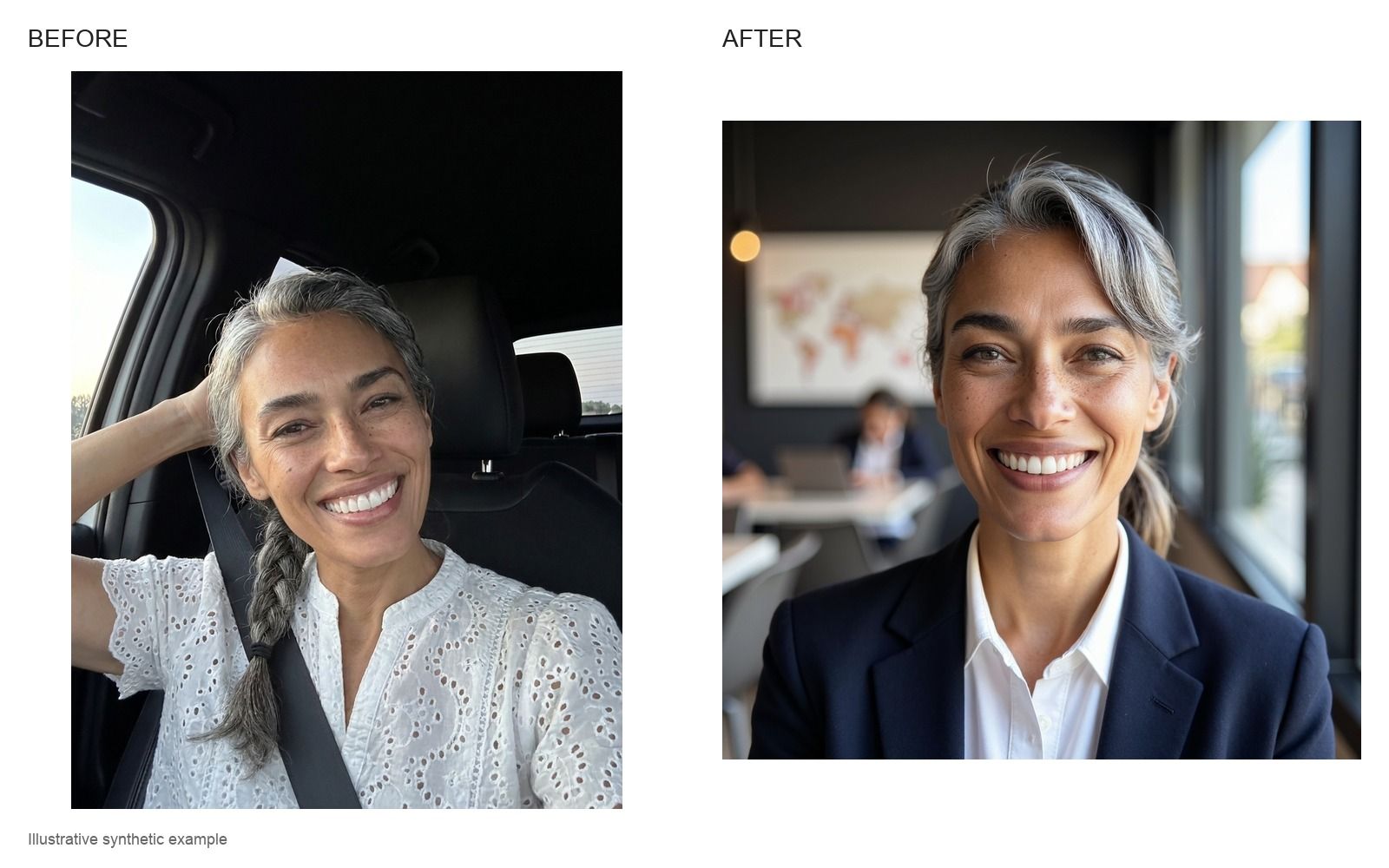
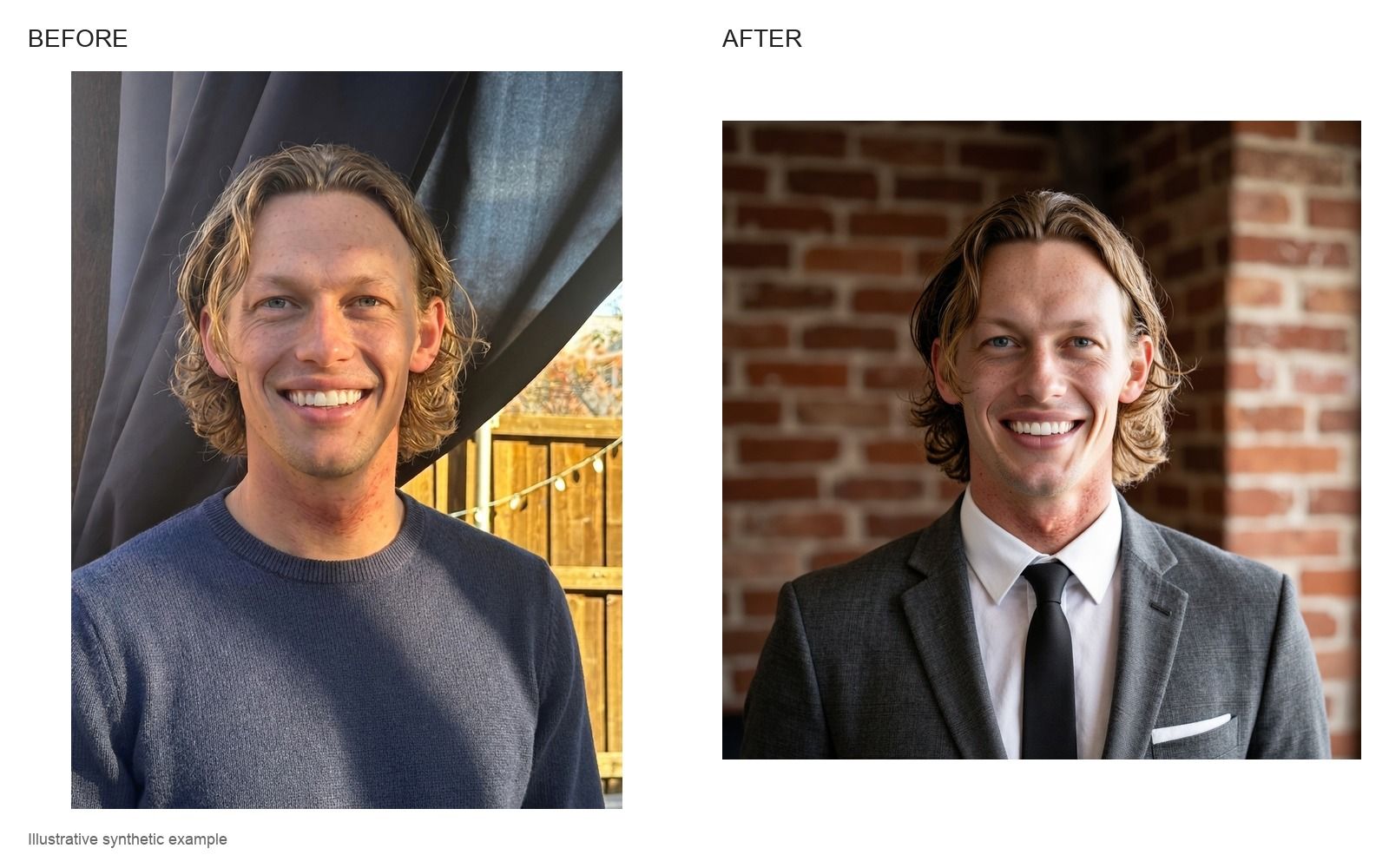
To try it on a single photo first, the free AI headshot generator makes a headshot from one selfie, with no sign-up. The full product is at AI headshots.
Option 3: Ask ChatGPT or Gemini
Both ChatGPT and Gemini can take an uploaded photo and change the clothes, background and light from a written instruction. They are free to try. The catch is likeness: a general image model redraws the whole photo from one picture of you, and small changes to your eyes, nose or jaw add up to someone who looks like a relative. Gemini also marks every image it makes or edits with a visible watermark.
A prompt that keeps your face as close as possible:
> Using the uploaded photo, keep my face, features, skin tone, hairstyle and expression exactly the same. Change only my clothes to a navy blazer over a white shirt and the background to a plain light gray studio wall. Use soft, even studio lighting from the front. Frame from the middle of the chest up. Photorealistic, no retouching.
If the result drifts, say what changed ("my nose is narrower than in the original, keep it as in the photo") rather than starting again. Our ChatGPT and Gemini headshot prompts collect prompts for different roles and the fixes for common problems.
Which to choose
| Edit it yourself | AI headshot generator | ChatGPT or Gemini | |
|---|---|---|---|
| Starts from | One good photo | About ten photos | One photo |
| Changes clothes and light | No | Yes | Yes |
| Looks like you | Exactly | Yes, learned from many photos | Often drifts |
| Choice | One photo | 50 across 5 looks | One at a time |
| Best for | A photo that was nearly a headshot | LinkedIn, a company site, applications | A quick try |
Common questions
Can AI make a professional headshot from a casual selfie?
Yes. An AI headshot generator uses your selfies to learn your face and then makes new, professional photos of you. Several selfies in different light work better than one.
How do I turn a selfie into a professional headshot for free?
Crop and edit it in your phone's photo editor, try the free AI headshot generator, or upload it to ChatGPT or Gemini with a prompt that asks to keep your face and change only the clothes and background.
Why does my AI headshot not look like me?
Usually because the photos going in were blurry, heavily filtered, old or all from one angle, or because the tool worked from a single photo. Our guide to fixing an AI headshot that does not look like you goes through each cause.
Can I use a selfie as a headshot without changing it?
Sometimes, if it is sharp, evenly lit, taken at eye level and shows only your head and shoulders on a plain background. Our guide to what a headshot is lists what a form expects.