Why Your AI Headshot Doesn't Look Like You, and How to Fix It
An AI headshot that doesn't look like you usually comes from the photos you uploaded. The seven causes, the fix for each, and how to tell when it is the tool.

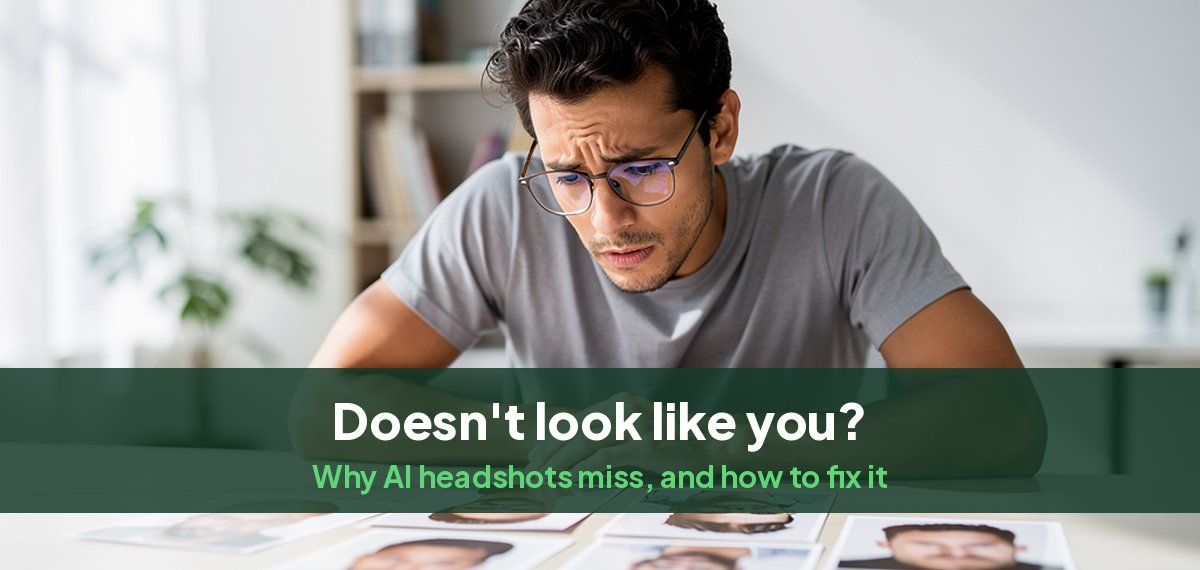
When an AI headshot does not look like you, the cause is usually the photos you uploaded: too few, too similar, blurry, filtered, old, or taken at arm's length. Sometimes it is the tool, especially one that works from a single photo, and sometimes it is that you rarely see yourself from the angle of a headshot. Each has a fix.
The seven causes and their fixes
| What you see | Usual cause | Fix |
|---|---|---|
| A different face, like a relative | Too few photos, or all from one angle | Upload about ten, from the front and slightly to each side |
| Smoothed, younger or plastic skin | Filtered or beauty-mode photos went in | Use unfiltered photos, turn beauty mode off |
| Wider nose, smaller ears | Arm's-length selfies with the front camera | Use the rear camera from a few feet away, or a friend |
| Blurry or vague features | Soft or low-light photos | Choose photos where your eyes are sharp when zoomed in |
| Wrong hair, glasses or weight | Old photos mixed with recent ones | Only photos from the last year, as you look now |
| Same expression in every result | Every upload had the same smile | Include smiling and neutral photos |
| Strange details, extra people's features | Group photos, sunglasses, hats | Only photos of you alone, face uncovered |
Choosing photos that work
- About ten photos, all clearly you, all recent.
- Different light, clothes and places. Variety teaches the model your face rather than one moment.
- Front-facing and slightly turned. Most from the front, a few turned 20 to 30 degrees each way.
- Eyes sharp, face evenly lit, no hard shadow across it.
- Nothing covering your face: no sunglasses, hats, hands or hair across your eyes.
- No filters, no beauty mode, no edited photos.
- Only you in the photo.
When it is you, not the AI
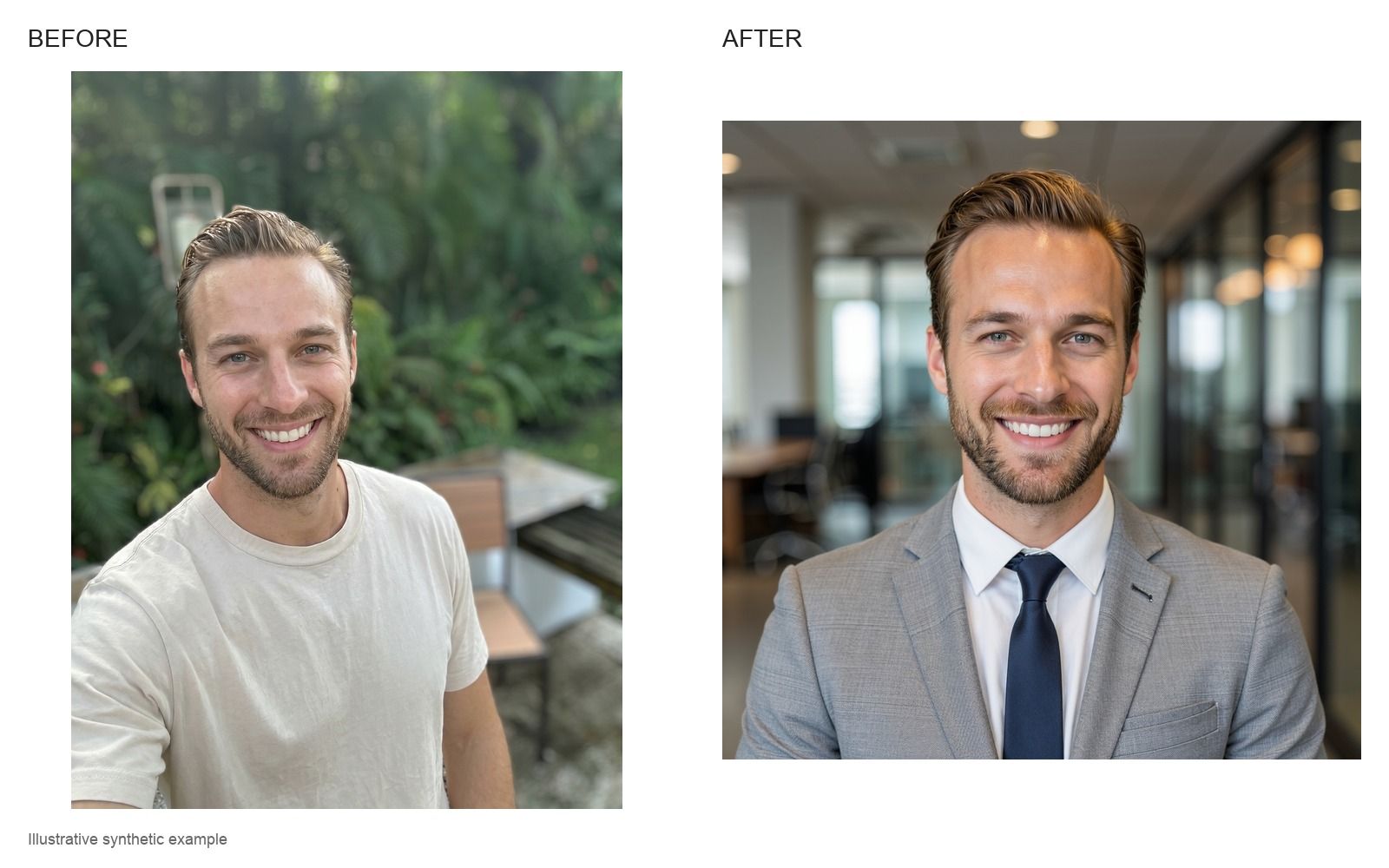
Most people see themselves in a mirror, which is flipped, and in front-camera selfies, which are flipped and distorted. A headshot shows your face the way other people see it, from further away. That can feel wrong even when it is accurate.
Two quick checks:
- Flip the headshot horizontally. If it suddenly looks like you, the headshot is fine; it is the mirror you are used to.
- Ask a friend or colleague which results look most like you. They see your real face every day.
When it is the tool
- It works from one photo. A general chatbot or a single-photo tool redraws your face from one picture, and small changes add up. Tools that learn from several photos hold the likeness better. Our ChatGPT and Gemini headshot prompts include follow-ups that pull a drifting face back.
- Every result has the same idealized face. Some models smooth everyone toward one look. If none of the results look like you after a careful set of photos, try another tool.
- You cannot see the results before paying. Choose a tool that shows you first. Our guide to previewing AI headshots before you pay explains why.
How to judge the results
- Look at the eyes, nose and mouth first; that is where likeness lives.
- Check the details that make you you: a scar, a freckle, the shape of your glasses, your hairline.
- Pick the photo that looks like you on a good day, not like a better-looking stranger. People who meet you after seeing it should recognize you at once.
- Discard any with warped glasses, earrings, collars or teeth.
How Magic Studio keeps the likeness
Headshots by Magic Studio learns your face from about ten of your own photos before it makes anything, then gives you 50 AI headshots across 5 looks in about 15 minutes. You see them all before paying, so you only pay for headshots that look like you. If a set misses, upload a better set of photos using the list above and run it again. The free AI headshot generator makes a headshot from one photo, with no sign-up. For the photos to start from, see our guide to making a professional headshot from a selfie.
Common questions
Why doesn't my AI headshot look like me?
Usually because of the photos you uploaded: too few, all from one angle, blurry, filtered, old, or front-camera selfies that distort your face. Upload about ten sharp, recent, unfiltered photos in different light and clothes.
I uploaded my photo but the AI doesn't look like me. What do I do?
Upload more photos, around ten, taken with the rear camera from a few feet away, in different light, with your face uncovered and no filters. If the tool only accepts one photo, try one that learns from several.
Why do AI headshots look fake?
Plastic skin from filtered uploads, idealized features, warped glasses or jewelry, and the same expression in every photo. Natural, varied, unfiltered uploads fix most of it.
How many photos should I upload for an AI headshot?
About ten, all recent and clearly you, in different light, clothes and settings, mostly front-facing with a few turned slightly.
Does my AI headshot look wrong because I'm used to the mirror?
It can. Mirrors and front cameras flip your face. Flip the headshot horizontally; if it then looks right, the headshot is accurate.