Are AI Headshots Worth It? When They Are and When to Book a Photographer
AI headshots are worth it for LinkedIn, team pages and applications when they look like you. When a photographer is better, what to check before buying, and the red flags.

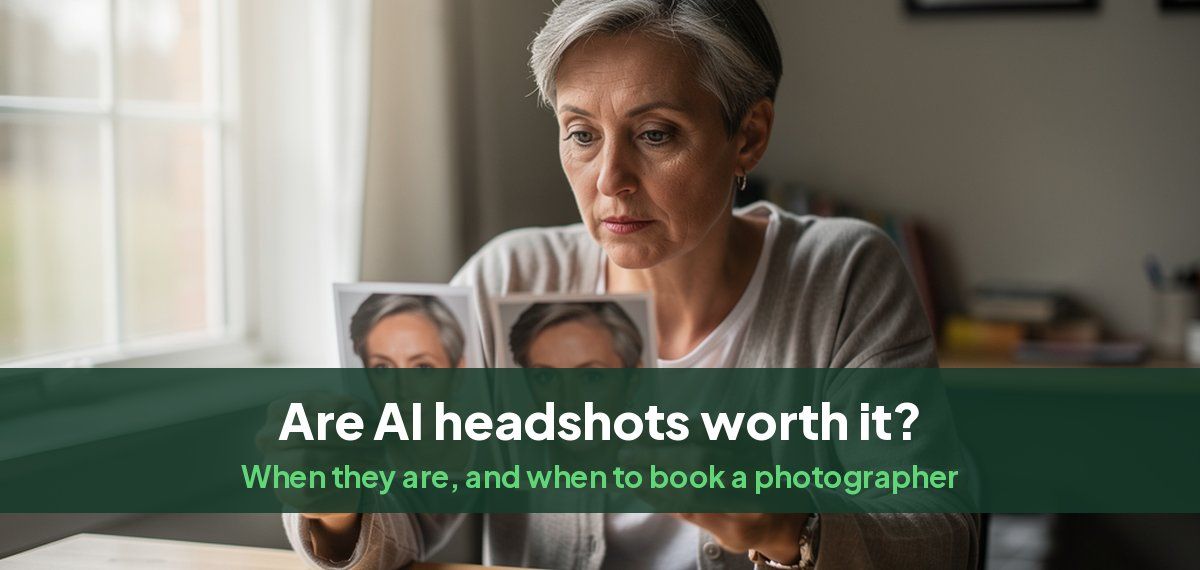
AI headshots are worth it for most everyday uses (LinkedIn, a company team page, a speaker bio, an application) as long as the result looks like you. They cost a fraction of a studio session, are ready the same day, and give you dozens of options instead of a handful. A photographer is still worth it for an executive portrait that will represent a firm for years, an acting portfolio, or a brand shoot where direction and a specific look are what you are paying for.
The one thing that decides it is likeness. A headshot that does not look like you is worse than no headshot, whoever made it.
When AI headshots are worth it
- LinkedIn and job applications. The photo is seen at thumbnail size and replaced every year or two, which is exactly the use AI headshots are built for.
- Team and company pages. Every person gets the same background, light and framing, wherever they are, including remote staff and new hires. Our guide to consistent team headshots covers how.
- You need it today. A studio booking usually takes two to three weeks from first contact to final files; AI headshots take minutes. Our guide to AI headshot turnaround times has the details.
- You want options. Different outfits and backgrounds for different sites, without paying per look.
- Cost matters. A US studio session typically runs $100 to $1,000 before extras. Our guide to what professional headshots cost breaks it down by city.
When to book a photographer instead
- Executive and board portraits that will be used for years in annual reports and press.
- Acting and modeling, where casting needs an exact, unretouched likeness and a range of expression. Our guide to AI headshots for actors covers where they help and where they do not.
- Brand and editorial shoots, where a specific location, a prop or a creative direction is the point.
- When you want to be directed. A photographer fixes your posture, light and expression in the room. That direction is much of what you pay for.
What to check before you buy
- See the results before you pay, or know the refund terms. Our guide to previewing AI headshots before you pay explains why it matters.
- Look at real examples of the same person before and after, not only a gallery of perfect faces.
- Check what happens to your photos: how long they are kept, and whether they are used to train anything.
- Check the resolution if you need to print.
- Check the range of looks: clothes and backgrounds for your field, not one generic suit.
The red flags
- The face is not quite you: a narrower nose, different eye shape, younger skin, a stronger jaw. Colleagues notice instantly.
- Plastic skin with no texture, or teeth that are too even.
- Warped details: glasses, earrings, collars and hands that do not make sense.
- The same pose and smile in every photo.
- Lighting that does not match the background.
Recruiters react to these, not to AI as such. In a Human Resources Online report, 66% of recruiters said they reacted negatively when they recognized a photo as AI-generated. A headshot that looks like a real photo of you avoids that. LinkedIn's own rule is the same: your profile photo must reflect your likeness. If yours does not, our guide to fixing an AI headshot that does not look like you goes through the causes.
How to get the best result
- Upload about ten recent photos in different light, clothes and places, with your face sharp and clearly lit.
- Skip filters, sunglasses, hats and group photos.
- Include at least one photo where you smile and one where you do not.
- Choose the headshot a friend says looks most like you, not the one that flatters you most.
How Magic Studio handles it
Headshots by Magic Studio learns your face from about ten of your own photos, then makes 50 AI headshots across 5 looks in about 15 minutes. You see all of them before paying, so if they do not look like you, you have not spent anything. The free AI headshot generator makes one headshot from one photo, with no sign-up, if you want to judge the likeness first.
Common questions
Are AI headshots worth it?
Yes, for LinkedIn, team pages, bios and applications, if the result looks like you. For executive portraits, acting and brand shoots, a photographer is usually the better buy.
Are AI headshots professional enough for LinkedIn?
Yes. A good AI headshot is indistinguishable from a studio photo at the size LinkedIn shows it. The test is whether a colleague would recognize you from it instantly.
Can people tell if a headshot is AI?
When it looks artificial, yes: plastic skin, warped glasses or earrings, or a face that is not quite yours. A realistic AI headshot made from several of your own photos is much harder to tell apart.
Do recruiters mind AI headshots?
They mind photos that look fake or unlike the candidate. A headshot that looks like a real, recent photo of you does its job whoever made it.
Are AI headshots cheaper than a photographer?
Yes, usually by a wide margin: a US studio session typically runs $100 to $1,000 before extras, and an AI headshot shoot is a one-time cost of a fraction of that.
What are the downsides of AI headshots?
Likeness can drift, details like glasses and hands can warp, and you get no direction in the moment. Choosing a tool that shows you the results before you pay removes most of the risk.